


Key Takeaways:
- Custom logistics software is built around your unique workflows, warehouses, fleet operations, and supply chain requirements.
- Businesses invest in logistics software to improve visibility, automate processes, reduce errors, and lower operational costs.
- Core modules include WMS, TMS, ERP, SCM, inventory management, fleet management, and real-time GPS tracking.
- AI and automation are transforming logistics through route optimization, demand forecasting, predictive analytics, and intelligent decision-making.
- The logistics software market is projected to grow from USD 17.73 billion in 2024 to USD 39.66 billion by 2033, highlighting increasing demand for digital logistics solutions.
- A structured development process from requirement gathering and prototyping to deployment and maintenance ensures successful implementation.
- Development costs typically range from $15,000 for basic solutions to $50,000+ for enterprise-grade platforms, depending on complexity and features.
- Choosing the right logistics software development partner is critical for building a scalable, secure, and future-ready solution.
Have you ever wondered why a small delivery delay can disrupt an entire supply chain? Logistics depends on speed, accuracy, and real-time visibility. While many businesses rely on ready-made software, these solutions often fail to match unique operational needs.
Custom logistics software solves this problem by adapting to your workflows, warehouses, delivery routes, and business processes. With advancements in AI and automation, businesses can now build scalable logistics solutions faster and more cost-effectively than ever before.
In this guide, you’ll learn what custom logistics software is, why companies invest in it, essential features and modules, development costs, and the step-by-step process of building a modern logistics platform.
What is Custom Logistics Software Development?
Custom logistics software development means creating software that manages and tracks the movement of goods based on your company’s requirement. It connects all parts of your supply chain in one system.
When you develop logistics software, you design tools for your own routes, warehouses, suppliers, and delivery teams. Unlike ready-made tools, custom software fits your exact workflow.
For example, custom logistics software can help you:
- Track shipments in real time
- Manage warehouse inventory
- Plan delivery routes
- Automate orders and billing
- Connect with ERP and CRM systems
In general, it works like an internal operating system for your logistics business.
When companies create custom logistics software, they can:
- Reduce manual work
- Avoid data errors
- Improve delivery speed
- Get real-time reports
- Control operations from one dashboard
The main goal of logistics automation is to make work faster, easier, and more accurate.
Why Companies Invest in Custom Logistics Software?
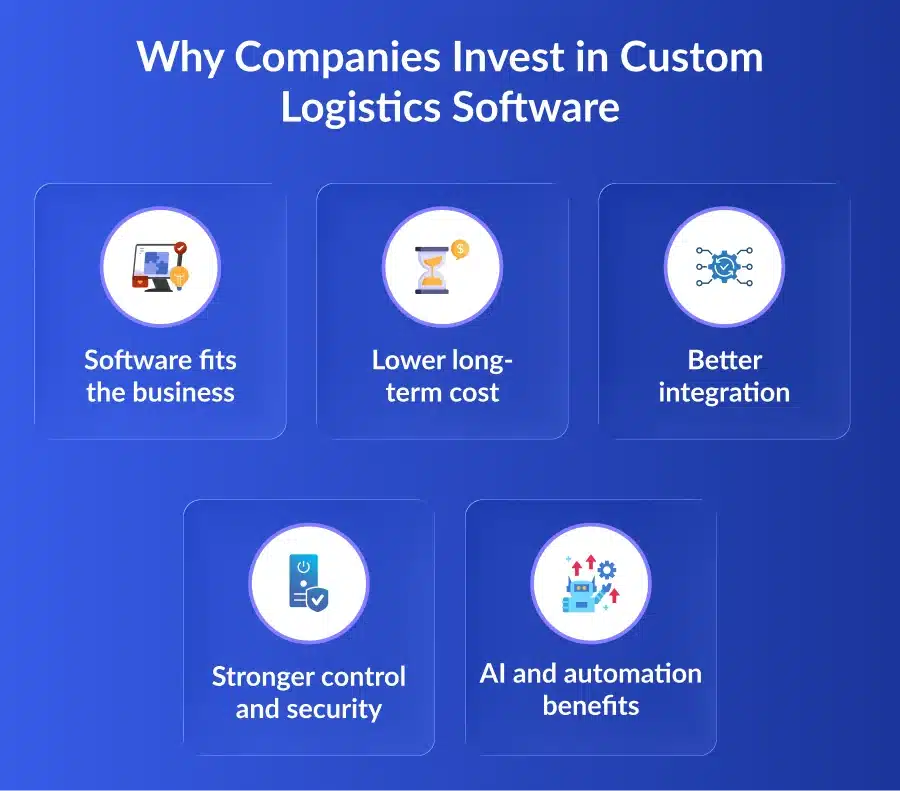
As businesses grow, logistics becomes more complex with more orders, routes, and warehouses to manage. Basic tools stop working well, so many companies now develop custom logistics software instead of depending only on SaaS platforms.
1. Software fits the business
Ready-made tools force teams to change their workflow. Custom software is built around your existing process, making operations smoother and faster.
2. Lower long-term cost
Subscription tools keep charging monthly fees. The logistics software development cost may be higher at first, but custom software saves money over time.
3. Better integration
Custom logistics software connects easily with ERP, inventory, payments, and tracking systems. This creates one smooth and unified platform.
4. Stronger control and security
Companies get full control over data, features, and access. This improves security and helps teams make better decisions.
5. AI and automation benefits
With AI in logistics, businesses can predict demand, optimize routes, and automate tasks. Modern tools now make it easier and faster to build logistics software.
Logistics Software Market Size
The global logistics software market is expanding rapidly as businesses increasingly invest in digital solutions to optimize supply chain operations.
According to Fortune Business Insights, the market was valued at USD 16.24 billion in 2025 and is expected to grow from USD 17.47 billion in 2026 to USD 31.74 billion by 2034, registering a CAGR of 7.75% during the forecast period.
This growth is driven by rising demand for real-time visibility, automation, AI-powered logistics management, and advanced supply chain technologies that help organizations improve efficiency and reduce operational costs.
As a result, systems like TMS, WMS, and OMS are becoming essential, and many businesses now choose to create custom logistics software to stay competitive.
Major Use Cases for Developing Custom Logistics Software
Every logistics business works in its own way. That is why many companies choose to develop logistics software that fits their exact operations and helps them grow faster.
1. Manufacturers Managing Supply Chains
Manufacturers use custom logistics software to connect production, storage, and delivery in one system. It helps them track raw materials, finished goods, and shipments in real time. This improves planning, reduces delays, and keeps production running smoothly.
2. Distributors Handling Multi-Warehouse Inventory
Distributors often manage stock across many locations. Custom software shows inventory levels at each warehouse and automates restocking when needed. This reduces stockouts, avoids overstocking, and keeps the supply chain balanced.
3. Retailers Improving Order Fulfillment
Retail companies use custom systems to manage orders, deliveries, and returns from one dashboard. The software connects online stores, warehouses, and delivery teams. This improves delivery speed, reduces mistakes, and creates a better customer experience.
4. Transportation and Fleet Companies
Fleet companies build logistics software to plan routes, assign drivers, track fuel usage, and schedule maintenance. These tools help reduce delays, lower fuel costs, and improve vehicle performance. As a result, deliveries become faster and more reliable.
5. Warehousing and 3PL providers
3PL and warehouse companies handle logistics for many clients at once. Custom software helps track shipments, manage inventory, and automate communication for each client. This improves accuracy, saves time, and makes daily operations easier to manage.
6. Businesses replacing old systems
Many companies still rely on outdated software that slows down operations. They now create custom logistics software to replace old tools and connect with modern systems. This improves efficiency, reduces manual work, and supports future growth.
Essential Modules of Custom Logistics Software
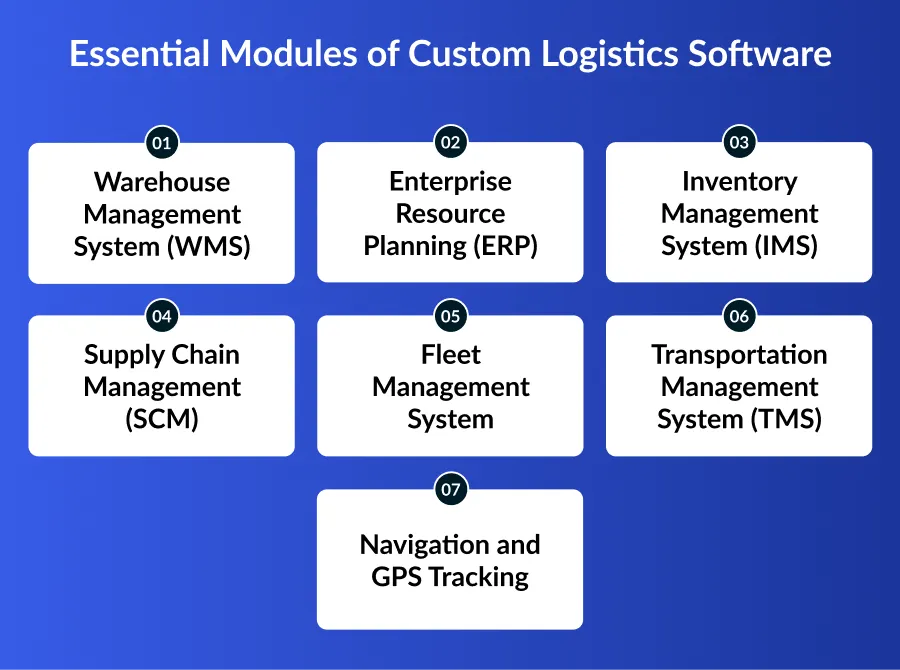
When companies develop custom logistics software, they build different modules to manage each part of the logistics process. These modules work together to create one smooth and automated system.
1. Warehouse Management System (WMS)
A WMS manages all warehouse activities like storing, picking, packing, and shipping goods. It shows where every item is kept and tracks incoming and outgoing stock. This module helps reduce mistakes and improves warehouse speed and accuracy.
2. Enterprise Resource Planning (ERP)
ERP connects logistics with finance, procurement, and compliance. It acts as a central system where all departments share data. This helps companies manage budgets, orders, and operations from one place while improving coordination.
3. Inventory Management System (IMS)
IMS tracks stock levels, sales, and orders in real time. It alerts teams when stock is low or overstocked. This helps businesses avoid running out of products and reduces extra storage costs.
4. Supply Chain Management (SCM)
SCM software manages the full supply chain, from production to delivery. It helps allocate resources, plan shipments, and monitor suppliers. This module improves planning and keeps the supply chain running smoothly.
5. Fleet Management System
This module tracks vehicles, drivers, fuel usage, and maintenance schedules. It helps companies plan deliveries better and keep vehicles in good condition. Fleet tracking also improves safety and reduces fuel costs.
6. Transportation Management System (TMS)
TMS automates route planning, shipment tracking, and carrier selection. It helps reduce transport costs and improves delivery time. Businesses use TMS to gain full visibility of shipments.
7. Navigation and GPS Tracking
GPS tracking gives real-time updates on delivery location and time. Customers and teams can see where goods are at any moment. This improves transparency and customer satisfaction.
Key Features To Include While Developing Logistics Software
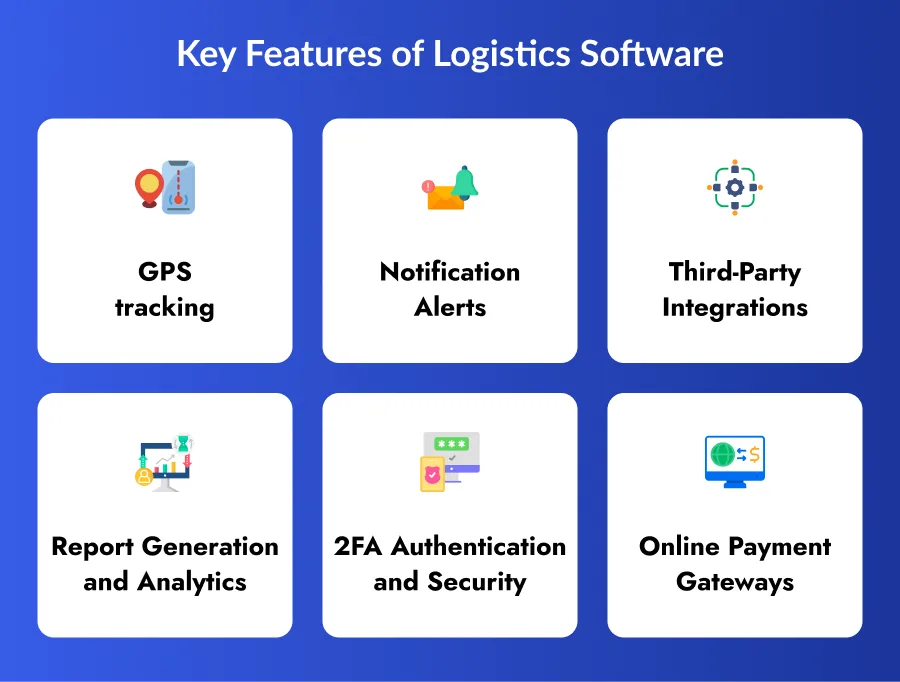
When businesses create custom logistics software, they must include key features that improve efficiency and visibility.
1. GPS tracking
GPS tracking gives real-time visibility of shipments and vehicles. Teams can monitor delivery progress and respond quickly to delays. This improves customer trust and delivery accuracy.
2. Notification Alerts
The system sends alerts for order updates, shipment status, and delays. Customers and teams stay informed at every step. This improves communication and reduces confusion.
3. Third-Party Integrations
Logistics software must connect with ERP, CRM, maps, and payment systems. These integrations create one unified platform. It helps teams avoid manual work and improves data flow.
4. Report Generation and Analytics
Custom dashboards and reports show delivery times, costs, and performance. Leaders can use this information to make smarter decisions. Analytics also helps improve planning and forecasting.
5. 2FA Authentication and Security
Security features like two-factor authentication protect data and system access. This ensures only authorized users can log in. Strong security is important for logistics operations.
6. Online Payment Gateways
Payment integration allows smooth and secure transactions. Customers can pay easily while businesses track payments. This enhances the user experience and helps prevent billing errors.

Step-by-Step Process to Develop Logistics Software
To build logistics software, companies should follow a clear and structured process. Each step helps create a system that runs smoothly, supports logistics automation, and meets business goals.
Step 1. Define Requirements
The first step is to understand what you want the software to do. List your goals, features, budget, and timeline. Study your current logistics problems like delivery delays or inventory issues. Also check what competitors are using. This planning stage helps you create a strong foundation before you develop logistics software.
Step 2. Choose a logistics Software Development Company
Select a reliable logistics software development company with experience in logistics projects. A skilled team understands industry needs like tracking, routing, and warehouse management. They guide you on technology, features, and cost. Choosing the right partner ensures your project runs smoothly and avoids mistakes.
Step 3. Design and Prototype
In this stage, designers create wireframes and mockups that show how the system will look. They build simple prototypes so users can test navigation and features. This helps identify problems early and improve user experience. Good design makes the software easy for teams to use daily.
Step 4. Development Phase
Developers start coding the front-end (what users see) and back-end (server and database). They add features like tracking, dashboards, and integrations with ERP or payment systems. APIs and third-party tools are connected during this phase. Regular testing happens alongside development to maintain quality.
Step 5. Testing and Quality Assurance
Before launch, the software is tested carefully. Teams check for bugs, speed issues, and security risks. They run different tests like unit testing, integration testing, and system testing. This ensures the software works correctly on all devices and handles real logistics data.
Step 6. Deployment and Launch
Once testing is complete, the software is launched in a live environment. Users are trained on how to use the system. A beta launch may be done first to collect feedback. This step ensures a smooth transition from old systems to the new logistics platform.
Step 7. Maintenance and Updates
After launch, the work continues. Developers fix bugs, improve features, and update the system regularly. As the business grows, new modules like AI in logistics or automation tools can be added. Ongoing maintenance keeps the software secure, fast, and ready for future needs.
Estimated Cost of Developing Logistics Software
The cost to develop logistics software depends on features, complexity, and development team location.
| Type of Software | Average Cost Range |
|---|---|
| Basic Version | $15,000 – $25,000 |
| Mid-level Complexity | $25,000 – $50,000 |
| Enterprise Solution | $50,000+ |
The cost of developing logistics software can be lower if you hire a development team in India than in the US or Europe. Advanced features like AI in logistics and automation may increase the cost but also provide long-term value.
Key Mistakes to Avoid When Developing Logistics Software
A few mistakes that must be avoided while developing logistic software for enterprise-level:
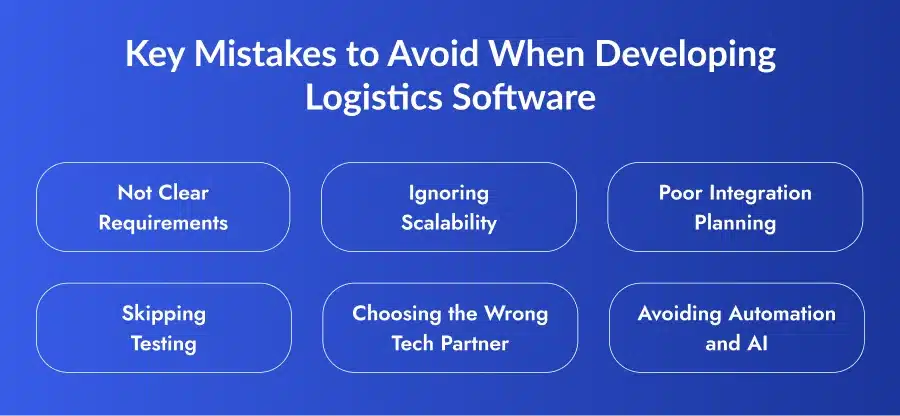
1. Not Clear Requirements
Starting without clear goals leads to delays and extra costs. Always define features, budget, and timeline before development.
2. Ignoring Scalability
Some businesses build software only for current needs. As they grow, the system cannot handle more data or users. Always plan for future growth.
3. Poor Integration Planning
Logistics software must connect with existing systems. Without proper integration, teams face data issues and manual work.
4. Skipping Testing
Launching without proper testing can cause errors and downtime. Testing ensures the system works smoothly and avoids costly problems.
5. Choosing the Wrong Tech Partner
Working with an inexperienced vendor can lead to poor results. Always choose a reliable software development company with proven experience.
6. Avoiding Automation and AI
Ignoring logistics automation and modern tools can slow down operations. Using AI in logistics improves efficiency, forecasting, and decision-making.
Best Tech Stack for Logistics Software Development
Choosing the right technology stack is important when you develop logistics software. A strong tech stack makes the system fast, secure, and easy to scale. Most logistics software development services companies use the following technologies.
| Category | Technologies |
|---|---|
| Front-End Development | React.js, Angular.js, Vue.js, jQuery |
| Back-End Development | Node.js, Python, Java, PHP |
| Mobile App Development | Kotlin (Android), Swift (iOS), React Native |
| Cloud Platforms | AWS, Microsoft Azure, Google Cloud |
These technologies support logistics automation, real-time tracking, and AI features. They also help businesses add new modules easily as operations grow.
Why Developer Bazaar Technologies Is Your Ideal Logistics Software Development Partner?
Developing a successful logistics platform requires more than technical expertise—it requires a deep understanding of logistics operations, supply chain workflows, and modern technology. At Developer Bazaar Technologies, we help businesses build scalable, secure, and future-ready logistics software tailored to their unique requirements.
1. Logistics Industry Expertise
Our team combines software engineering excellence with extensive experience in logistics and supply chain management. We understand the challenges of fleet tracking, warehouse operations, inventory management, and transportation planning, enabling us to build solutions that deliver measurable business value.
2. Strategic Consulting and Planning
Every successful project starts with a clear strategy. We work closely with your team to understand your business goals, identify operational challenges, and define the right roadmap for your logistics software development project.
3. Agile Development Approach
We follow an agile development methodology that ensures transparency, flexibility, and faster delivery. By incorporating feedback throughout the development cycle, we create logistics solutions that align perfectly with your business needs while minimizing project risks.
4. Integration and Quality Assurance
Our team ensures smooth integration with ERP systems, CRM platforms, payment gateways, GPS tracking solutions, and third-party tools. We also conduct rigorous quality assurance testing to verify performance, functionality, security, and reliability before deployment.
5. Security, Maintenance, and Long-Term Support
We prioritize data security through advanced encryption, access controls, and industry-standard security practices. Beyond deployment, we provide ongoing maintenance, updates, and technical support to ensure your logistics software remains secure, optimized, and ready to scale as your business grows.
Conclusion
Logistics software is no longer optional for growing businesses. It helps manage warehouses, fleets, orders, and deliveries in one place. Companies that create custom logistics software can reduce costs, improve efficiency, and provide better customer service.
With modern tools, AI in logistics, and automation, it is easier than ever to develop logistics software that fits your operations. By choosing the right technology and development partner, you can build a system that supports long-term growth and keeps you competitive in the market.
FAQs
1. Should I build separate software for warehouse management and transportation management, or combine them into one platform?
The answer depends on your business model. Companies managing both warehousing and transportation often benefit from a unified platform that provides end-to-end visibility across inventory, shipments, and deliveries. However, businesses with highly specialized operations may prefer separate modules integrated through APIs.
2. Can custom logistics software integrate with existing ERP, CRM, and accounting systems?
Yes. Modern logistics platforms are designed to integrate with tools such as SAP, Oracle, Microsoft Dynamics, Salesforce, QuickBooks, and other business applications. These integrations eliminate data silos, automate workflows, and provide a single source of truth across departments.
3. How can logistics software help reduce fuel and transportation costs?
Custom logistics software uses route optimization, vehicle tracking, delivery scheduling, and real-time traffic data to identify the most efficient routes. This helps reduce fuel consumption, minimize idle time, and improve fleet utilization, resulting in significant cost savings.
4. What KPIs can be tracked through logistics software dashboards?
Logistics software can track important metrics such as on-time delivery rates, fleet utilization, fuel consumption, inventory turnover, order fulfillment time, warehouse productivity, transportation costs, and customer satisfaction scores. These insights help businesses make data-driven decisions.
5. Is cloud-based logistics software better than on-premise software?
Cloud-based logistics software offers greater scalability, remote accessibility, automatic updates, and lower infrastructure costs. On-premise solutions may be preferred by organizations with strict compliance requirements or specific data control policies. The right choice depends on your business needs and IT strategy.
6. How can logistics software support international and multi-location operations?
Custom logistics platforms can manage multiple warehouses, currencies, languages, shipping carriers, and regional regulations from a centralized dashboard. This makes it easier for businesses to coordinate global supply chains while maintaining visibility and operational consistency across locations.