

Projects Completed
Happy Clients
Delivery Rate
Communication
Apps Downloads
Years of Growth
 By
Developer Bazaar Technologies
By
Developer Bazaar Technologies
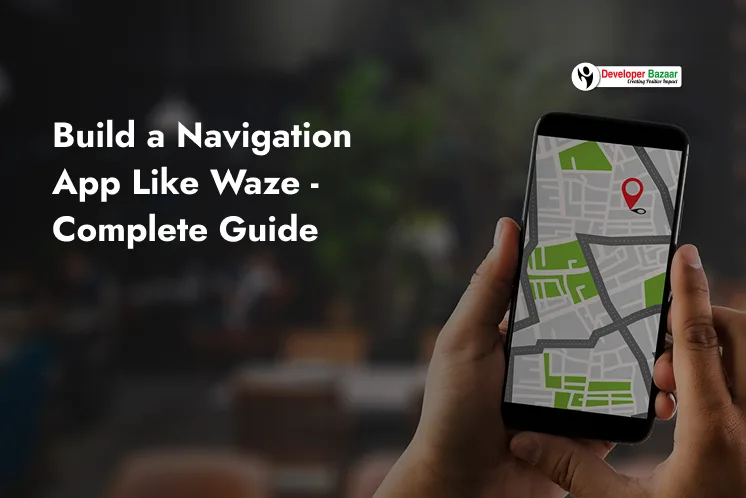
Have you ever wondered how apps like Waze show the fastest route even during heavy traffic? That’s the power of a navigation app development like Waze. These apps use GPS, live traffic data, and user reports to guide people safely and quickly. In this guide, you will learn what GPS is, how the Waze app works, and what features you need to develop navigation app like Waze for your business.
A GPS Navigation System is a tool that shows your exact location on Earth. It works with satellites that send signals to your phone, helping you find the best route to your destination.
With the huge demand for navigation apps, many businesses want to create navigation apps similar to Waze, using modern cross platform app development, flutter mobile app development, and smart routing systems.
GPS helps users by:
The Waze app is a real-time GPS navigation app that works with live traffic data and user reports. It is different from normal maps because Waze uses community feedback that means users help each other by reporting traffic jams, accidents, road closures, and hazards.
How it works:
This makes Waze a powerful example of a modern route planner App development model. It’s a great reference for businesses looking to build navigation app like Waze.
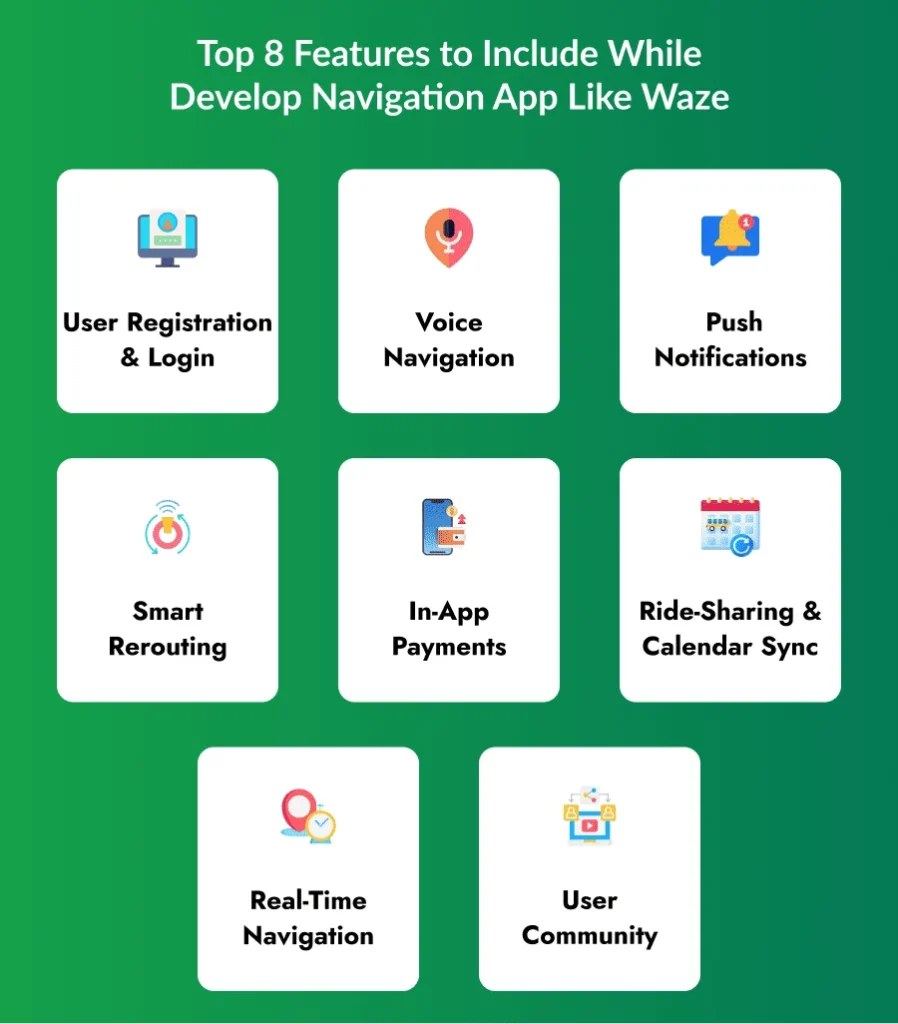
Before you start to develop navigation app like waze, take a look into key features you need to add in your navigation app. For this idea and creation you must consult with the best app development company, they will help you to understand the necessity of these features.
Users should be able to sign in using email or social media. This helps them save locations, share reports, and connect with the community. It also makes the app safer and more organized. With a simple login, users can start their journey quickly.
Voice navigation guides users without looking at the screen. It tells drivers when to turn, how far to go, and what to avoid. This keeps drivers safe and focused on the road while using your live traffic app.
Push notifications allow users to know about traffic jams, accidents, road closures, or better routes. These notifications appear instantly so drivers can make quick decisions. It improves safety and gives a smooth experience.
If the road ahead becomes slow or blocked, the app should automatically find a faster route. This rerouting must happen quickly so users do not stop or get confused. It increases trust and makes your app feel smarter.
Accurate maps and GPS tracking form the base of apps like Waze. The app must locate users correctly, show nearby places, and give a clear path. Combining GPS and Cell ID improves accuracy even in tricky areas.
Users should be able to report accidents, hazards, or traffic. This creates a helpful community just like Waze. Social login also makes signup faster and builds trust.
If you follow the waze app business model, you can add features like toll payments, service purchases, or premium features inside the app. This helps your app earn revenue and grow with more services.
You can offer ride-sharing options where users share fuel costs. Syncing with Google Calendar helps users see their upcoming trips and navigate easily. This makes your navigation app more useful and user-friendly.
To develop a Navigation App like Waze, first you need to do proper research and a team of experts that assist you in developing an advanced navigation app. Below are step-by step guide to make your app reliable, scalable and smarter.
Before building the app, you must study and be aware of the market. Learn what users want, what other apps are doing, and what problems people face while traveling. This helps you avoid mistakes and build a better app. Your team should prepare a checklist for every step.
You need a good mobile app development company to make your idea real. At this step, you explore different companies, check their experience, and select the best partner. You also sign an NDA to keep your idea safe. A strong partner helps you build a quality app faster.
Modern users want smart features like fuel price info, parking spaces nearby, traffic alerts, and speed camera warnings. So your app must solve real problems. When you meet user needs, more people will trust and use your app.
To develop navigation app like Waze, add features that make travel easy. This includes real-time traffic data, gas station info, parking spot status, and rerouting. Useful features make your app stand out in the market and attract more users.
Gamification makes the app fun. You can allow users to earn points for sharing road updates, driving safely, or reporting hazards. These points can be compared with other users. This keeps users active and makes your app more engaging.
Your app’s design should be simple. Buttons must be big and easy to find while driving. The screen should show only important things like direction, distance, and alerts. A clean UI helps users stay safe and focused on the road.
Once your app is ready, you need to launch it on app stores. Add a short demo video so Google and Apple understand how your app works. After launching, you can earn money through ads, subscriptions, partnerships, or in-app purchases. A good monetization plan helps your app grow faster.
After launching the app, your work doesn’t stop. You must update the app regularly, fix bugs, and improve speed and performance. Add new features based on user feedback. Strong support keeps your app stable and helps you gain long-term loyal users.
The cost depends on features, app size, design, and the company you hire. Here is an easy-to-understand table:
| App Version | Features Included | Estimated Cost |
|---|---|---|
| Basic MVP | Simple map, GPS, login, route navigation | $10,000 - $20,000 |
| Mid-Level App | Live traffic, alerts, rerouting, social features | $20,000 - $40,000 |
| Advanced App Like Waze | AI routing, gamification, payments, ride-sharing | $40,000 - $60,000 |
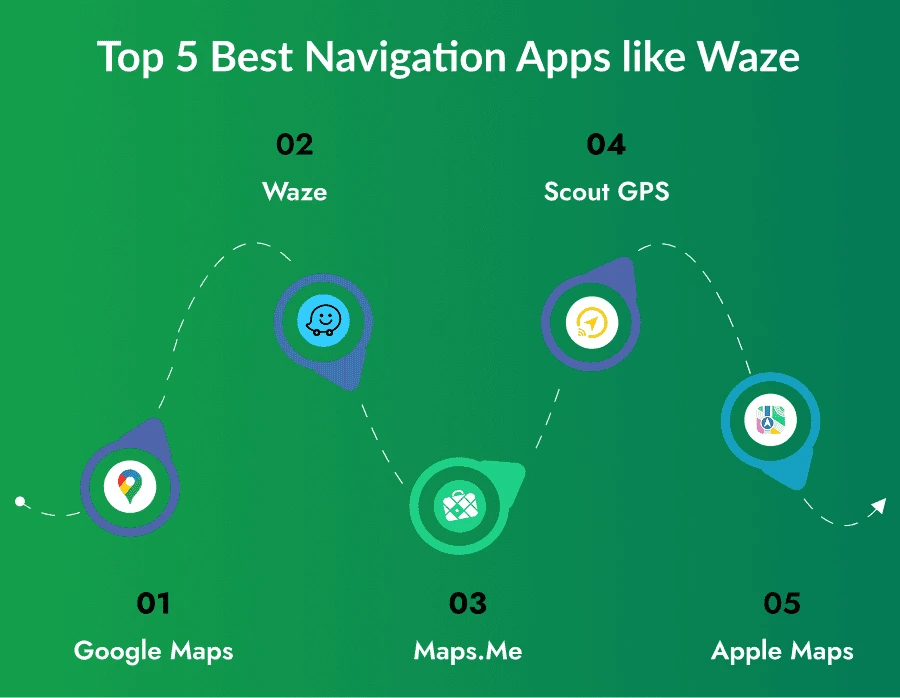
These apps are loved by millions for helping people reach their destination safely:
Google Maps gives directions for cars, bikes, buses, and walking. It shows traffic, roadblocks, and the best time to leave. It is trusted by users all over the world.
Waze uses live user reports to show the fastest path. It alerts users about accidents, traffic jams, and police checks. It saves time and helps people reach faster.
This app works even without the internet. Users can download maps and use them offline. It also allows easy location sharing with friends.
Scout GPS gives turn-by-turn directions with real-time updates. It also recommends nearby restaurants and places. Its social features help users explore more.
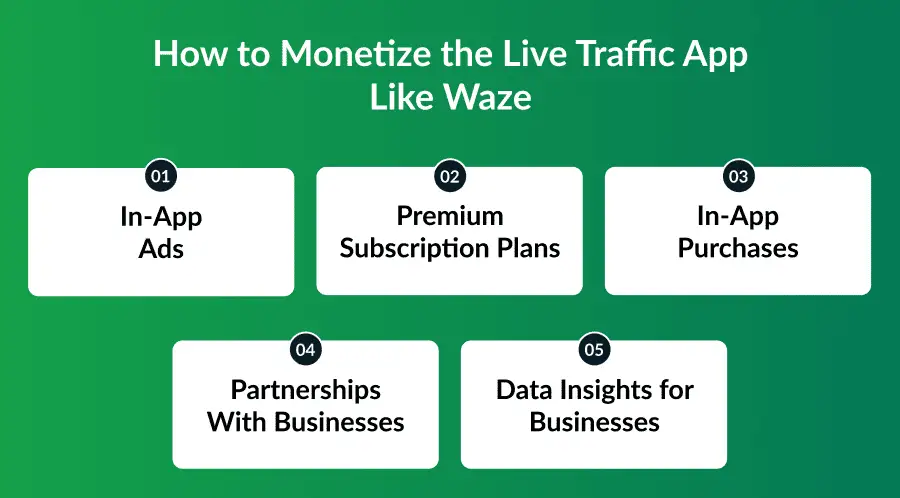
Monetizing a live traffic app like Waze is easier than it looks. Once you build live traffic app like Waze, you can earn money from the features your users already love. It helps users travel smarter while your app earns steady income in the background.
You can show small ads on the screen while users navigate. These ads may promote nearby restaurants, shops, fuel stations, or other local services. This helps you earn money every time a user views or clicks the ad, without charging them anything.
Some users want extra features like ad-free navigation, AI route tips, or faster traffic updates. You can offer these features in paid subscription plans. This gives your app a monthly or yearly income and offers users a smoother experience.
You can allow users to buy extra items inside the app, such as fun voice packs, car icons, or special map themes. These small purchases make the app personal and enjoyable. It’s an easy way to earn money while giving users more customization options.
Local businesses can pay to appear on the map or in search results. Fuel stations, parking spaces, and food outlets love this visibility. This helps users discover nearby services and helps your app earn additional revenue from partners.
With the user’s permission, your app can share anonymous traffic trends with delivery companies or city planners. This data helps them improve routes, manage road safety, and optimize operations. You earn money by providing useful insights without sharing personal details.
Developer Bazaar Technologies is a strong partner for building smart apps like Waze. We help businesses to create navigation app with powerful features and smooth performance.
Here’s how we support you:
Building a navigation app like Waze is not limited to large tech companies. Now startups and enterprises can also enter in the market with the right strategy, real-time technology, and a skilled development team.
A successful GPS navigation app depends on accurate location tracking, traffic insights, smart routing, intuitive UI, and a scalable tech stack. By choosing the right app development company and implementing features that genuinely solve user problems, your app can stand out in a competitive market.
Whether you plan to monetize through ads, subscriptions, or partnerships, the potential for long-term growth is strong. With proper planning, maintenance, and innovation, you can build a navigation app that delivers value, earns revenue, and competes with leaders like Waze, Google Maps, and Apple Maps.
Start with the most important features for your basic product. You can add extra features later based on what users say and how much money you have.
A: Top navigation apps include Apple Maps, Google Maps, and Waze. Each offers unique features like live traffic, voice guidance, and turn-by-turn navigation for everyday travel.
A: True. Waze is a crowd-powered GPS navigation app known for real-time traffic alerts, road hazard notifications, and user-generated reports.
A: Ideal technologies include Swift/Kotlin for mobile, Node.js/Python for backend, and Google Maps, Mapbox, or Here Maps APIs for navigation. Real-time alerts can be powered using Firebase or Socket.IO.
A: A GPS navigation mobile app typically takes around a few weeks to 4 months to build from scratch. The timeline may increase based on features, complexity, and platform requirements.
Co-Founder
Developer Bazaar technologies

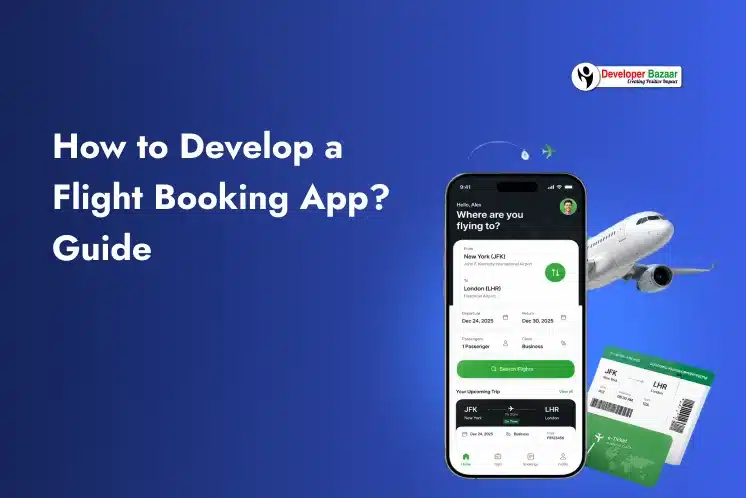
Market Snapshot 2026 The global online airline booking platform market is projected to reach USD 261.9 billion in 2026, growing at a CAGR of 7.5% through 2035. Over 70% of all travel bookings are now made...
Market Snapshot 2026 The global online airline booking platform market is projected to reach USD 261.9 billion in 2026, growing at a CAGR of ...

Anime has become a global entertainment phenomenon, with millions of fans streaming content daily across mobile devices, smart TVs, and web platforms. This growing demand has made anime streaming one of the fastest-growing segments in the...
Anime has become a global entertainment phenomenon, with millions of fans streaming content daily across mobile devices, smart TVs, and web platforms. This growing ...

The global Anime Apps market was valued at USD 959 million in 2025 and is projected to grow from USD 1.08 billion in 2026 to USD 2.15 billion by 2034, at a CAGR of 12.6%. This...
The global Anime Apps market was valued at USD 959 million in 2025 and is projected to grow from USD 1.08 billion in 2026 ...
Have you ever waited in long lines to book a bus ticket? Those days are now gone. People prefer fast, easy, and secure online booking solutions that work directly from their smartphones. This rising demand is...
Have you ever waited in long lines to book a bus ticket? Those days are now gone. People prefer fast, easy, and secure online ...
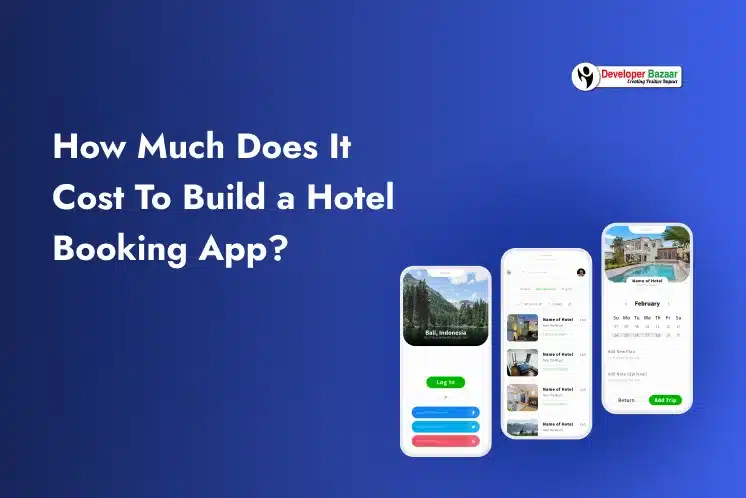
Planning a short family trip should feel exciting, not stressful. But many travelers still spend hours checking hotel websites, comparing prices, reading reviews, and getting confused before making a booking. Today, users expect everything to work...
Planning a short family trip should feel exciting, not stressful. But many travelers still spend hours checking hotel websites, comparing prices, reading reviews, and ...
The way people pay for products and services is changing fast. Today, users want flexible payment options that are simple, quick, and stress-free. This is why Buy Now Pay Later (BNPL) and split payment apps are...
The way people pay for products and services is changing fast. Today, users want flexible payment options that are simple, quick, and stress-free. This ...
An eCommerce app helps people buy and sell products using their mobile phones. Today, many people prefer shopping online because it is easy and fast. If you want to grow your business, building an eCommerce app...
An eCommerce app helps people buy and sell products using their mobile phones. Today, many people prefer shopping online because it is easy and ...
The online grocery industry is growing rapidly, driven by changing consumer habits and increasing demand for convenience. Businesses across the United States are investing in digital platforms to deliver groceries faster and more efficiently. Understanding the...
The online grocery industry is growing rapidly, driven by changing consumer habits and increasing demand for convenience. Businesses across the United States are investing ...
We live in a digital world where technology is part of our daily life. From switching lights to controlling security systems, everything is becoming smarter and easier. This is possible because of smart home automation. If...
We live in a digital world where technology is part of our daily life. From switching lights to controlling security systems, everything is becoming ...

Have you ever wished someone could help you clean your home with just a few taps on your phone? In today’s busy world, people struggle to manage household chores along with work, family and social commitments....
Have you ever wished someone could help you clean your home with just a few taps on your phone? In today’s busy world, people ...

Complete the form below and validate your idea now.
✔ Your idea is 100% protected by our Non Disclosure Agreement.